A personal license, by design
The Independent Estimator license is for one person: you. It is priced for a solo practice: ask us about independent pricing. If you hire help later, the company license is per company, never per seat.
A personal license for the freelance estimator who runs ten bids at once from a laptop. Measure sheets, price quantities, export a bid sheet your client can open. No per-seat math, no cloud account in the middle, no restrictions on paid work.
| Item | Qty | Unit | Unit cost | Cost |
|---|---|---|---|---|
| Metal stud partitions | 2,480 | SF | $2.10 | $5,208.00 |
| ACT ceiling | 1,240 | SF | $3.85 | $4,774.00 |
| Rubber base | 386 | LF | $1.65 | $636.90 |
| Door frames | 14 | EA | $215.00 | $3,010.00 |
You do not need a project-management platform to get a bid out. You need accurate quantities, a clean pricing sheet, and a file your client or GC can open without a login.
The Independent Estimator license is for one person: you. It is priced for a solo practice: ask us about independent pricing. If you hire help later, the company license is per company, never per seat.
Pay once and keep the version you bought, or subscribe monthly or annually if you prefer lower upfront cost. A one-time license never needs the internet and never checks in.
Drawings open from your disk and takeoff is saved back into the PDF. The core toolset needs no server, so it works in a truck, a job trailer or a basement with one bar of signal.
Use it on paid work for any client, any trade, any number of projects. No "personal use only" trap, no per-project fee. (Final license wording will be in the terms before launch.)
One-click Fill Area for bounded rooms, visual symbol counting, saved tool sets and a customizable keyboard. Less clicking per square foot, more bids out the door.
Takeoff to Excel (.xlsx) and CSV, Summary reports to PDF, and flattened PDFs for the people who just need to see the markup. No proprietary viewer required.
An illustrative bid-day workflow. Times are examples; every step uses a tool in the current core toolset.
Drop the new revision next to the old one. Compare with Older Revision clouds the differences; Overlay shows older-only and newer-only linework in contrasting colors.
Bring sheets into a Set, auto-fill sheet numbers from file names, bookmark the scopes you price, and OCR any scanned pages.
Calibrate against a known dimension or pick a preset, apply to all pages, and use Viewports where a detail has its own scale.
Length and polylength in LF, area and perimeter in SF, counts in EA, volume with depth. Fill Area and Visual Search do the repetitive part.
Add a Unit Cost column and a Formula column, group by Space or Subject, and watch totals update as markups change.
Export takeoff to Excel for your bid sheet, send a Summary report PDF to the client, and keep the marked-up PDFs in your project folder.
The Takeoff table is more than a list. Add your own columns, set which ones roll into totals, and price every markup the moment you draw it.
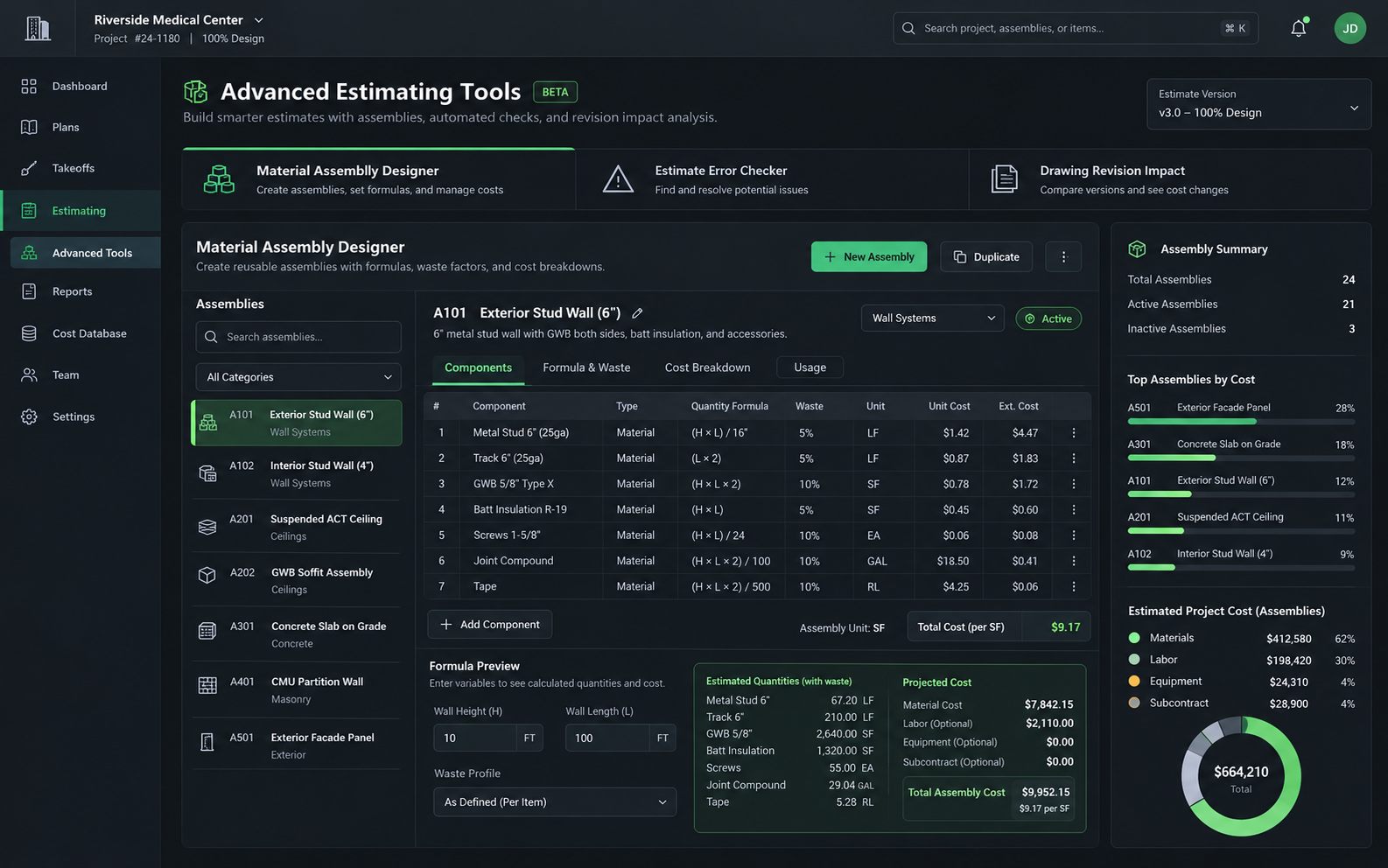
Material assemblies with built-in waste profiles are on the roadmap, not in the product today. Planned See the roadmap.
Your client does not need to install anything to read your numbers. Export to the formats estimators, GCs and owners already open every day.
Bid sets are confidential and often large. The core product has no upload step, no server to wait on, and no account in the middle of your workflow.
Your license is a signed file checked on your PC. A one-time license never checks in. A laptop that never goes online activates from a request file carried over on a USB stick.
Independent estimators price the same scopes again and again. The toolset rewards that.
One click inside a bounded room fills and measures it. Add Polygon Cutout or Ellipse Cutout to subtract columns and shafts.
Select one symbol and find every copy on the sheet with an adjustable similarity slider, then count them or box each one for review.
Save the subject, color, line style and units for each scope as a tool, group tools into sets, and import or export them between machines.
Snap to endpoints, midpoints, intersections and nearest points, hold Shift to constrain to 0, 45 and 90 degrees, and watch a live measurement preview as you click.
Customize shortcuts, import and export them as XML, dock panels left or right, and jump to any command with Find a Command (Ctrl+Shift+P).
Switch between built-in workspaces (Default, Estimating, Review, Viewing) so the toolbars match the job in front of you.
Both paths are for one person and both allow unrestricted commercial estimating. Tell us about your work and we'll quote you a price.
Pay once. Keep the version you bought.
Lower upfront cost, cancel anytime.
Hiring help? The company license covers everyone at your company, never per seat.
These ideas come from how independents really work. None of them exist yet, none are purchasable, and the order can change based on what working estimators tell us.
We are not publishing testimonials, ratings or customer logos until real estimators have used the product on real bids. Want to be one of them? Leave your email.
Yes. The Independent Estimator license is intended for unrestricted commercial estimating by one person, including work you are paid for. The final wording will appear in the terms before launch.
No. Takeoff is stored in the PDF as standard annotations and you can export quantities to Excel, CSV and PDF. Features that are specific to the app, such as custom Takeoff table columns, live in the app and export to the spreadsheet.
No, and we do not claim it does. Takeoff is point-and-click, sped up by tools like Fill Area and Visual Search. Automation today is rule-based batch processing, not AI.
Trial terms are not decided yet; they will be on the pricing page before release. Leave your email and we will send the download link at release. See the full FAQ for more.
Tell us how you take off a job today. We are shaping the roadmap with working estimators.